.webp)
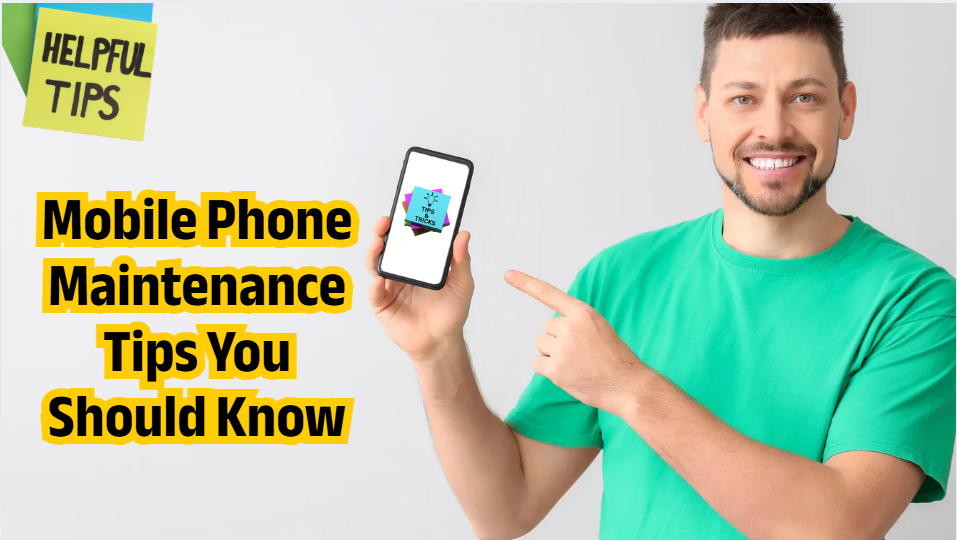
Your mobile phone is one of the most important gadgets you use every day. Whether you depend on it for work, entertainment, or communication, keeping it in good condition ensures smooth performance and a longer lifespan. Here are some essential mobile phone maintenance tips you should know to keep your device running at its best.
1. Keep Your Phone Clean
Dust, dirt, and fingerprints not
only make your phone look untidy but can also damage the screen and ports.
How to clean your phone safely:
A clean device performs better and reduces overheating.
2. Protect Your Phone with a
Case and Screen Guard
A good-quality back cover and
tempered glass can save your
phone from scratches, cracks, and impact damage.
Choose:
This is one of the easiest ways to extend your phone’s lifespan.
3. Avoid Overcharging Your
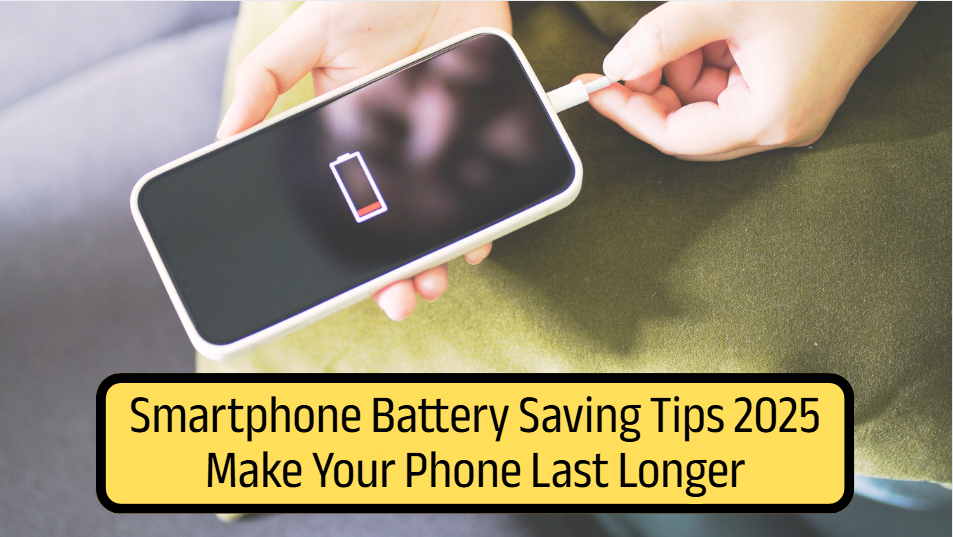
Battery
Mobile batteries degrade over
time, but you can slow this process with proper charging habits.
Helpful tips:
Smart charging habits can increase your battery’s health significantly.
4. Update Software Regularly
Software updates include security
patches, bug fixes, and performance improvements.
Why updates matter:
Always keep your system and apps updated for the best experience.
5. Don’t Install Too Many Apps
Too many apps can slow your
phone, drain battery, and consume storage.
What to do:
Less clutter means faster performance.
6. Manage Storage Wisely
Low storage can cause lag, app
crashes, and slow processing.
Storage tips:
Keeping at least 10–20% storage free helps your phone run smoothly.
7. Avoid Extreme Temperatures
Heat and cold can damage your
phone’s battery and internal components.
Avoid:
Stable temperatures maintain good battery health.
8. Restart Your Phone
Regularly
Restarting clears temporary files
and refreshes background processes.
Try restarting once a week for smoother performance.
9. Use a Good Security App
Protect your phone from viruses,
malware, and suspicious activity.
Use trusted apps and enable:
This keeps your device and data safe.
10. Handle Your Phone With
Care
Simple habits can prevent major
damage:
Your phone lasts longer if you treat it with care.
Conclusion
With the right habits, you can
keep your mobile phone running smoothly for years. Regular cleaning, smart
charging, safe storage management, and proper protection ensure better
performance and longer lifespan. Follow these mobile
phone maintenance tips and enjoy a faster, safer, and more reliable
device.









A sister concern of Ambala Fintech
Address House-67, Block-ka Pisciculture Housing Society, Dhaka 1207
Phone +8809610992323
Email info@ambalashop.com